

1xBet App Battery Use: What Is Normal
Opening the 1xBet app should not feel like a battery test compared to the same task in a mobile browser. In a browser tab, you close the page and the activity stops right away. With the installed application, background services and notifications keep running even when the screen is off. That is why some users notice a faster drop on their status bar after a session on the bet slip.

Normal drain is steady and predictable. Abnormal drain is sudden, and it usually comes from a small number of settings you can check yourself. The 1xBet app gives you most of the controls inside its own menu.
the four usual causes
live match streaming inside the application
Opening a live stream on the event page is the single heaviest task the 1xBet app performs. The decoder runs continuously, the screen stays bright, and the radio works at full power. A 10 minute stream can move the battery percentage by two or three points on most phones.
The player window sits in the upper third of the event page, under the score line. Tapping the gear icon reveals the quality selector, where High sits by default. Choosing Standard cuts decoder load noticeably during a full match. Leaving the player open while you read the market list keeps the stream running behind the odds.
constant live match notifications
The 1xBet settings menu lets you switch on notifications for goal alerts, bet settlements and promotions. Each push wakes the screen for a moment and pulls data over the network. With a dozen notifications in an hour, the wakelock adds up faster than people expect.
You will find these toggles under Profile, then Settings, then Notifications. The Promotions switch sits at the bottom of that list and is on by default. Goal alerts have their own sub-menu with a frequency slider. Turning off Promotions alone often removes half the pushes on a busy weekend.
odds and market refresh on the home screen
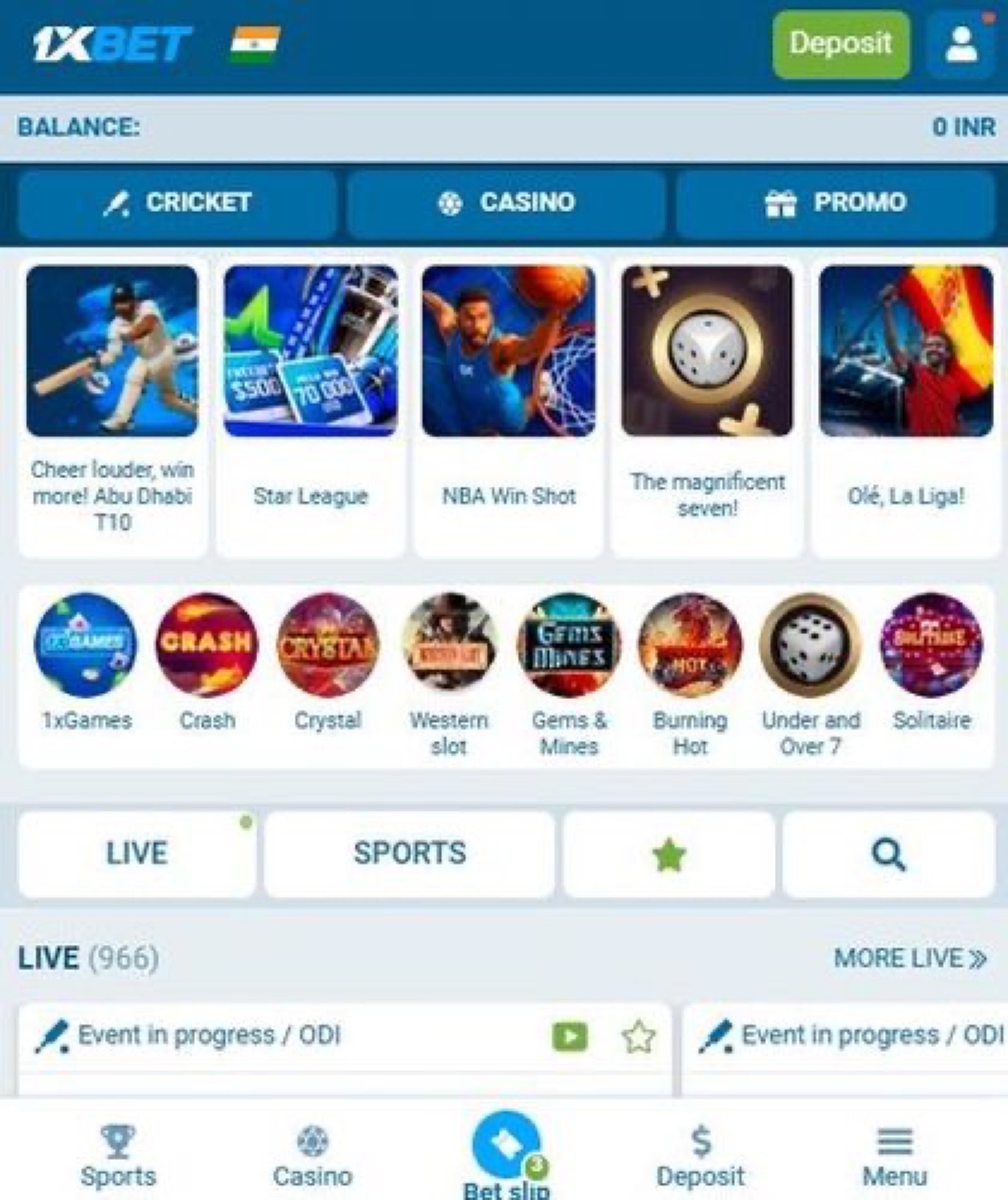
The main screen of the 1xBet app reloads its odds lines on a timer so prices stay current. The more categories you pin to the top bar, the more requests fire in the background. Heavy users who keep five or six pinned tabs open see a visible difference by evening.
Each pinned competition holds an active refresh loop even when you scroll to a different section. The refresh interval lives under Settings, then Odds Display, where Fast is the factory choice. Switching to Standard stretches the cycle to roughly thirty seconds instead of five. Removing two pinned tabs can shave a few percent off a long evening session.
background data while the application sits idle
Even when you press home, the 1xBet app may keep a socket open for bet updates. Add an aggressive battery optimisation profile on the phone and the system fights this constantly. Some users also catch unwanted mobile software sitting beside the real application.
Android shows the difference under Settings, then Battery, then Battery Usage by App. A healthy idle state drops below one percent per hour with the screen locked. Anything above four percent points to an open socket or a stuck service. Swipe the app away from recent apps and watch whether the figure settles.
how to prevent this next time
- Turn off live stream autoplay in the player settings before you open an event page.
- Open the notification settings and keep only goal alerts and bet settlement messages.
- Limit the pinned tabs on the home screen to two or three competitions maximum.
- Switch the odds refresh interval from the fastest setting to the standard interval.
- Log out of the 1xBet app on days when you do not plan to place a bet.
- Grant the application no more than the three permissions it actually requests.
- Set the system battery optimiser to the normal profile instead of the unrestricted one.
- Close the bet slip after settlement rather than leaving it open in a background tab.
These eight settings take about a minute to change the first time through the 1xBet menu. Most of them live under the same settings screen, one tap from the profile icon. After that, a full day of normal use should leave you with a predictable curve. If the drain still looks wrong after these changes, the problem sits outside the application settings.
When to contact support
Battery drain becomes a real problem when the 1xBet app keeps running after you close it. You pull down the notification shade and see a persistent 1xBet entry that will not go away. Tapping it brings the app straight back to the bet slip, even hours after your last wager. Battery settings then list 1xBet as the top consumer, far above any other application on the phone.
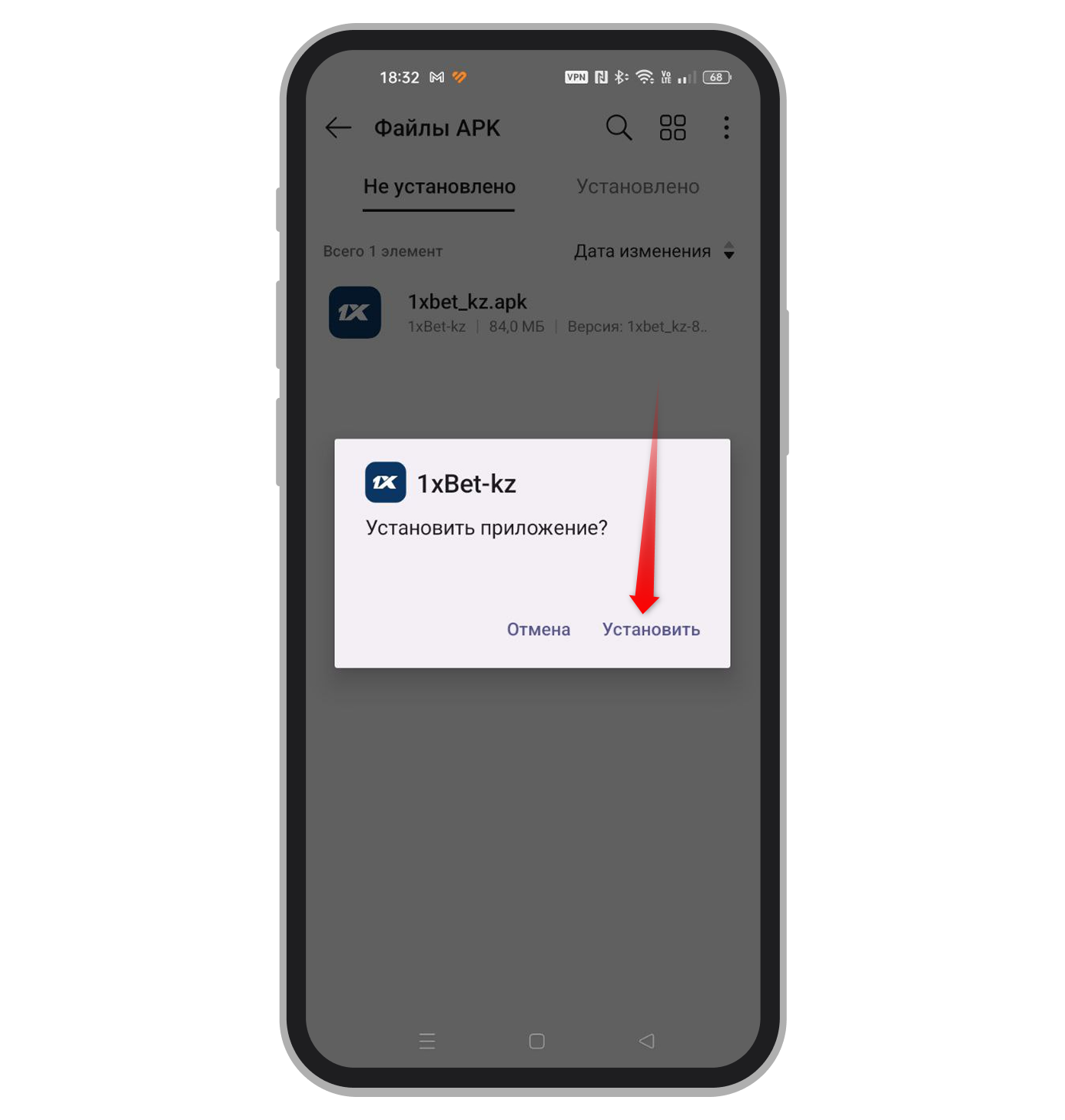
Open the application, go to the main menu, and select the support section near the bottom. Start a live chat and describe the exact screens where the drain happens. Mention whether it occurs on the pre-match list or inside live streams. Before you write, install the current version from the 1xbet apk for mobile phones page, because the current build already fixes several known drain patterns. Confirm the application version under Settings, then attach a screenshot of your battery usage chart.
- Charge drops over 30 percent within a single hour of normal browsing.
- The notification shade entry never clears after you swipe the app away.
- Battery history shows heavy use while the screen was locked.
- The same drain returns after a clean reinstall from the official APK page.
FAQ
Is high battery use normal while watching live streams?
Streams push the screen, radio and processor hard at the same time. Expect a steeper drop than on pre-match browsing, but not an empty battery in twenty minutes.
Why does 1xBet show up in battery settings when I am not using it?
Background sync keeps odds and notifications current for the markets you follow. Open the application once, then swipe it away from the recent apps list.
Does the bet slip cause extra drain?
The slip itself is light. Drain starts when many live selections refresh odds every few seconds on the screen.
Should I reinstall the app if the drain continues?
A reinstall clears corrupted settings that force constant retries. Reinstall from the APK page, sign in, and watch the battery chart for a full day.